Everyone says they “use AI” in their outbound & sales.
What they usually mean is:
“I asked ChatGPT to write an email and copy-pasted it into my tool.”
That’s… fine. But it’s not enough in 2026.
The real upgrade happens when AI stops being a copy machine and starts operating your tools directly:
- Logging into LinkedIn
- Managing your inbox
- Building N8N workflows
- Querying and updating your CRM
That’s what Claude MCPs do.
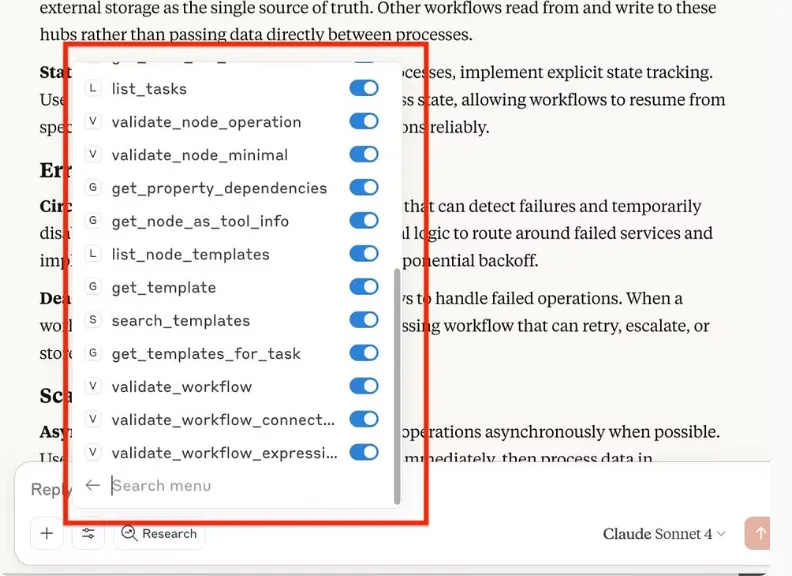
MCPs = “Model Context Protocol”. In practice: you give Claude structured access to your tools (LinkedIn, N8N, HubSpot etc.), and it can act inside them, not just write text about them.
In this article I’ll show you 3 very concrete workflows I use:
- Claude as my LinkedIn inbox manager & SDR (via HeyReach + LinkedIn MCP)
- Claude as my N8N automation engineer (90% of flows built by AI)
- Claude as my HubSpot co-pilot (run CRM and research from one chat)
These are not “ideas”. They’re upgrades on workflows you’re already doing today.
Hack #1: Turn Claude Into Your LinkedIn Inbox Manager (and SDR)
If you actively use LinkedIn, you know this pain:
- Inbox is a mess
- No tags, no structure
- You forget to reply to warm leads
- You never actually follow up properly
Result: timing is missed, leads are lost ❌
Now that I’ve connected Claude to LinkedIn (via HeyReach MCP), my workflow looks like this:
🧔 I ask Claude:
Check my LinkedIn inbox and show me the top 3 conversations I should follow up on right now.
🤖 Claude does:
- It logs into my LinkedIn via HeyReach MCP
- Scans recent conversations
- Prioritizes the most valuable ones (based on context, seniority, message history)
🧔 Then I say:
Draft a follow-up for Josh based on our previous conversation and send it.
🤖 Claude:
- Reads the thread with Josh
- Writes a contextual follow-up (not a generic bump)
- Sends it directly from my LinkedIn account
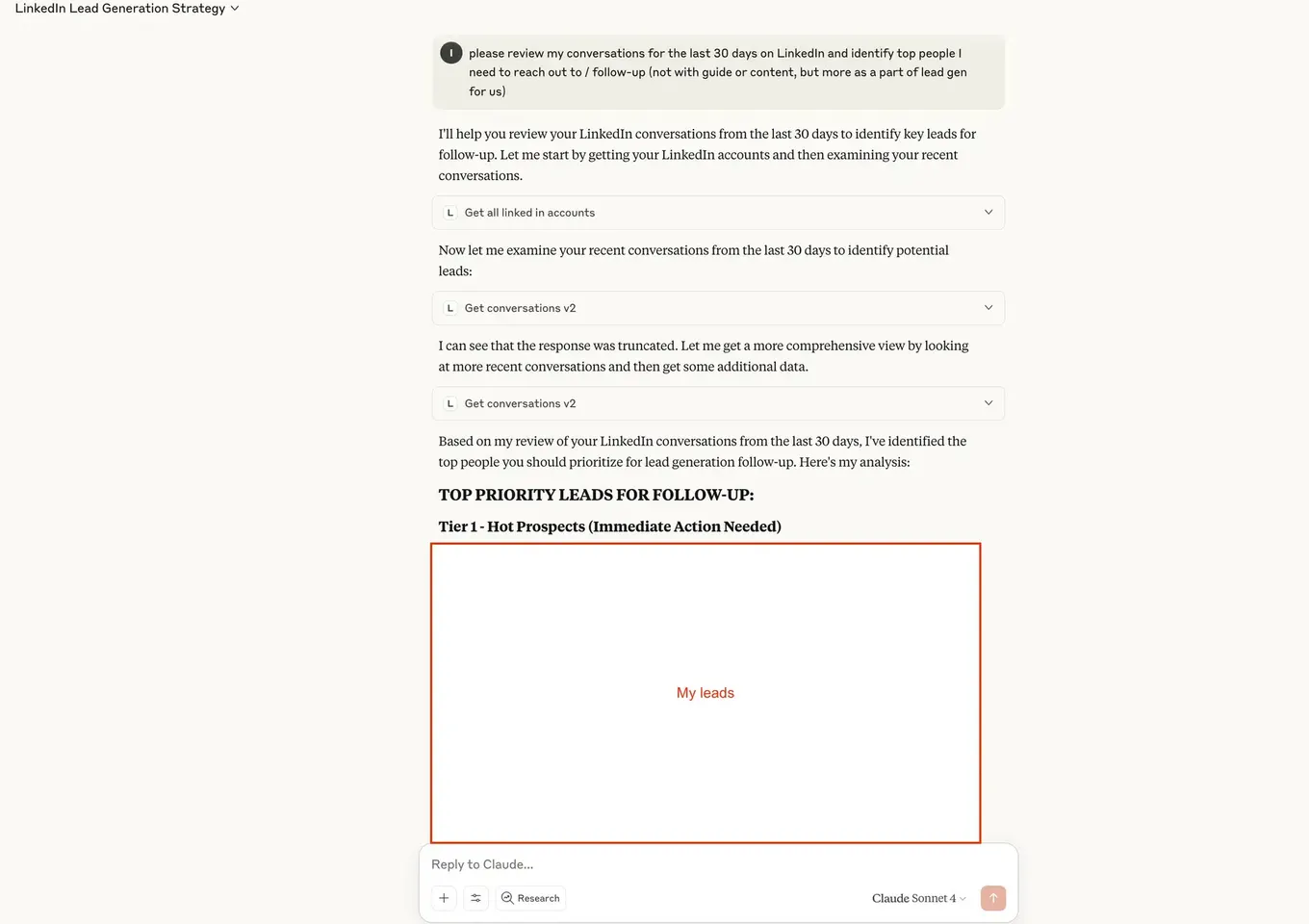
I essentially have an AI SDR sitting in my inbox.
📺️ Here is how to set it up on your own in just a few minutes:
What Claude Can Do Inside LinkedIn (via MCP)
Once you connect the HeyReach / LinkedIn MCP:
-
Inbox triage
- “Show me conversations from founders I haven’t replied to in 7+ days.”
- “Prioritize leads who mentioned ‘budget’, ‘timeline’ or ‘demo’.”
-
Reply drafting & sending
- “Draft a thank-you + CTA reply to everyone who accepted my connection request last week. Don’t send, just draft.”
- “Now send replies to Tier 1 prospects only.”
-
Campaign management (inside HeyReach)
- Start/stop outreach campaigns
- Monitor campaign performance
- Ask things like:
Which LinkedIn campaign produced the most replies from VP Sales in the last 30 days?
You can go full autopilot, but I recommend this sequence:
Phase 1 - Assist mode: Claude drafts, you approve & send.
Phase 2 - Controlled autopilot: Claude can reply automatically in specific scenarios. Example prompt:
If someone replies with a clear ‘not interested’, send a polite close-the-loop reply and tag them as ‘Not Now’. Otherwise, draft for my approval.
Phase 3 - True autopilot on low-risk flows: Follow-ups, friendly bumps, event reminders, content distribution, etc.
Hack #2: Let Claude Build 90% of Your N8N Automations
N8N is insanely powerful.
It’s also the reason many people quietly go back to Zapier.
- Too many nodes
- Weird expression syntax
- Hard to debug
- Every workflow feels like trial-and-error
The N8N MCP for Claude flips this:
Instead of you learning N8N deeply, you let Claude act as your N8N workflow engineer.

With the right project instructions, my process looks like this now:
🧔 I describe the workflow I want in plain English.
🤖 Claude:
- Researches nodes
- Designs the architecture
- Validates config
- Builds the JSON
🧔 I just import, plug in credentials, and test.
Example: LinkedIn Engagement Scraper
🧔 I literally gave Claude this prompt:
Build an N8N workflow that scrapes all my LinkedIn post engagers using RapidAPI.
I want LinkedIn profile URL, full name, headline, and job title of everyone who liked my last 30 posts, then export this data to Google Sheets.
🤖 Claude (with MCP):
-
Found the right HTTP + Google Sheets nodes
-
Designed the full flow (including error handling)
-
Validated all configurations
-
Gave me:
- The workflow JSON
- Setup instructions
- Where to plug my API keys
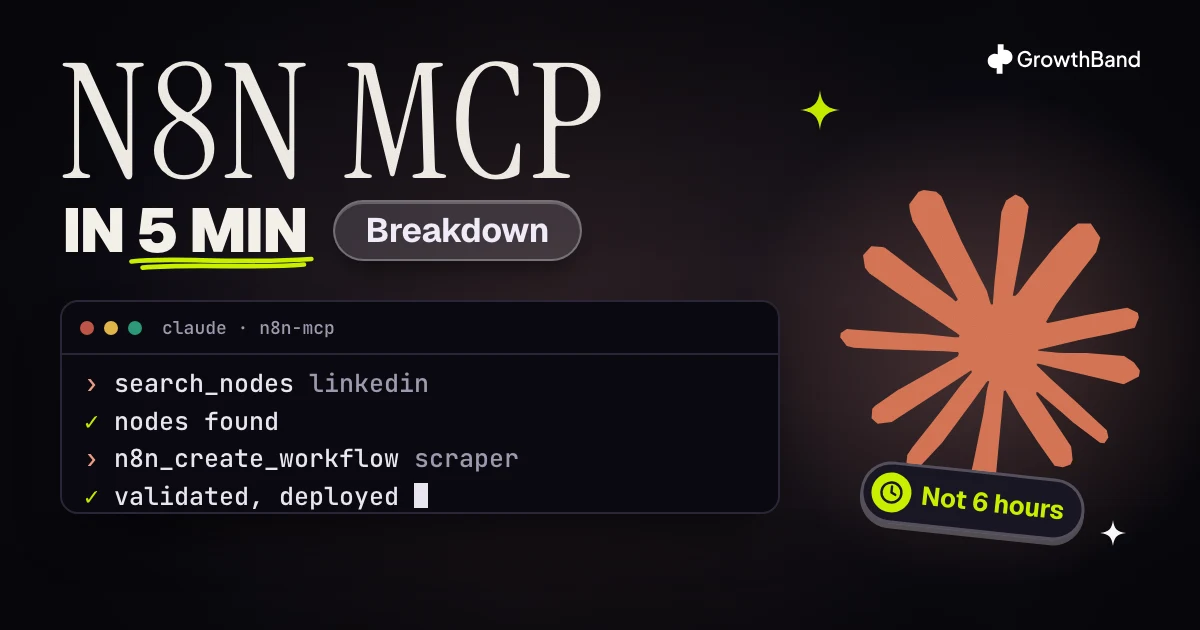
What would normally take me 4–6 hours took ~5 minutes of conversation.
How to set it up (+ expert tips)
📺️ So, how to set it up:
Or check the full guide → here.
🚨 Advanced tips: In Claude Projects, I add custom instructions like:
- Always start with tools_documentation()
- Use search_nodes, list_nodes, get_node_essentials to discover nodes
- ALWAYS validate nodes and workflow before “deploying”
- Use n8n_update_partial_workflow for incremental updates (token cheap)
This makes Claude behave like a proper engineer, not a hallucinating intern.
💡 Ideas for your N8N Automations with Claude
You don’t need to start with crazy ideas. Upgrade workflows you already have or know you should be doing:
-
Call & meeting analysis
- Input: Call recording
- Steps: AI transcription → sentiment & topic analysis → push insights to CRM → create follow-up tasks
-
Content distribution
- When a blog post is published → auto-generate snippets → send to LinkedIn scheduler → save to Notion
-
Lead qualification
- New demo request → AI scoring based on role + company + answers → route to right rep → send tailored follow-up
-
Support routing
- New ticket → classify with AI → route to right team → suggest reply templates
Hack #3: Run Your HubSpot From Chat With Claude MCP
Last piece of the puzzle: your CRM.
Most GTM teams either:
- Underuse their CRM (“we only log deals”), or
- Spend way too much time clicking around in it.
With HubSpot’s Claude MCP, you can:
- Query deals, contacts, companies via natural language
- Do cross-object analysis (e.g. deals + contacts + activities)
- Create & update records
- Attach research & notes
- Enrich accounts directly from Claude’s web browsing
What This Looks Like in Practice
A few real examples.
1. Pipeline snapshot in one question
Show me all deals closed in the last 60 days in my HubSpot CRM.
Group them by:
- Deal owner
- Stage
- Deal amount
Then:
- Give me total closed-won value
- Highlight any deals without an associated contact
🤖 Claude:
- Queries the deal object
- Applies filters (close date, closed-won stages)
- Pulls deal list
- Summarizes totals and gaps
You get instant revenue reporting without building a single dashboard.
2. Auto-associate missing contacts
You notice one deal with no contact. Instead of hunting in HubSpot:
Create a contact named “Sally Jane” at “Acme Inc” and associate her to the deal “Boston Property 2”.
Add a note: “Primary economic buyer, spoke on [date] about [summary].”
🤖 Claude:
- Creates the contact
- Associates it with the right deal
- Adds your note
No clicks. No tab-switching.
Here is the guide on how to set up HubSpot MCP.
Final word
Now you know how to lvl up your day-to-day work with Claude’s MCPs.
Here is the list of tools we’ve mentioned:
- Heyreach for LinkedIn
- N8N for automations
- Hubspot for CRM
Btw, if you like our content:
- Watch us on Youtube
- Let’s connect on LinkedIn (Ilya & Max)
Put an outbound team of AI agents in your Slack
Strategy, research, copy and deliverability agents working on your company's context, built and run with you.

Ilya AzovtsevCo-founder
Co-founder of GrowthBand. Helped scale lemlist from $20k MRR to $10M ARR and built automation at Expandi; now runs the cold email infrastructure behind 32,000+ mailboxes.